Understanding how to make ai chatbot is essential for getting real results in this space.
Pakistan is a WhatsApp-first market. Every business has WhatsApp. Almost none have a chatbot. This is especially relevant for how to make ai chatbot.That gap is where a freelancer can build a real service business, right now, without writing a single line of code.
A working WhatsApp chatbot can be sold to local Pakistani SMEs for PKR 30,000 to 150,000 per project, or to international clients for $500 to $5,000. This is especially relevant for how to make ai chatbot.Once you add monthly maintenance contracts, you have recurring income on top of project fees.
This tutorial walks through building one from scratch using Botpress, which is free, and Meta's official WhatsApp Business API. This is especially relevant for how to make ai chatbot.No third-party resellers, no terms-of-service workarounds, no shortcuts that get your account banned.
If you have been wondering how to make an AI chatbot for WhatsApp without hiring a developer, this is the guide.
Table of Contents
- Why Every Pakistani Business Needs a WhatsApp Chatbot Right Now
- What You Will Build: A 5-Minute Demo Overview
- Botpress vs Voiceflow vs ManyChat: Which Tool Should Pakistani Freelancers Use
- The 7-Step Build: How to Make an AI Chatbot for WhatsApp Without Code
- Selling Chatbots as a Service: Pricing for Pakistani Freelancers
- 7 Industries in Pakistan That Will Pay for Your Chatbot Right Now
- Common Mistakes That Kill Chatbot Deals
- Beyond Basics: Voice Agents with Vapi
- How to Skip the 3-Month Learning Curve
- Frequently Asked Questions
Why Every Pakistani Business Needs a WhatsApp Chatbot Right Now
WhatsApp handles over 80% of Pakistani SME customer communication. It is the default inbox for orders, inquiries, complaints, and support. Not email. Not a contact form. WhatsApp. When a customer in Lahore wants to know if a clinic has an appointment slot available at 9pm, they open WhatsApp and send a message. What they almost always get back is silence until the next morning.
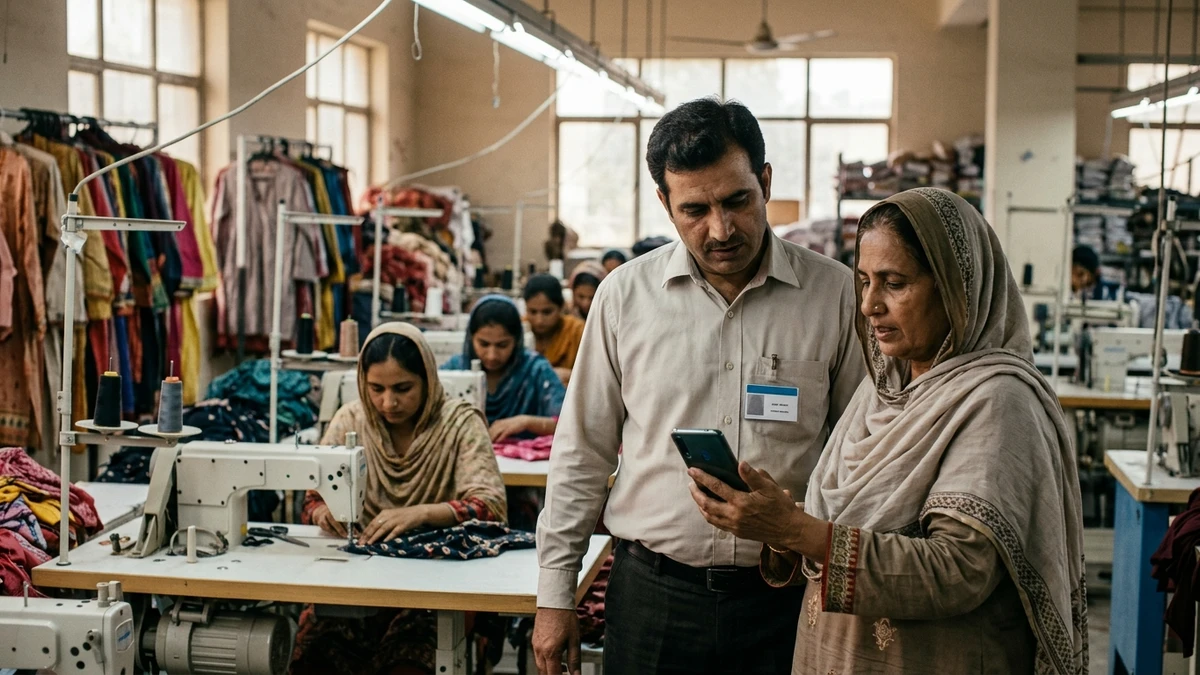
The average human response time across Pakistani businesses runs six or more hours. Messages sent after 6pm are effectively lost until the next business day. For a business trying to close sales, that delay is expensive. Speed-to-response is one of the single biggest factors in converting an inquiry into a customer, and most Pakistani SMEs are losing that race every single night.
Businesses that deploy auto-replies and qualification flows see meaningful conversion lifts of 20 to 40 percent because the bot responds in seconds, not hours. It qualifies the lead, answers the common questions, and routes serious buyers to a human at the right moment. The human still closes the deal, but the bot makes sure the lead is still warm when that conversation happens.
Here is what makes this a genuine freelance opportunity in 2026: the gap between "every business is on WhatsApp" and "almost none have a chatbot" is enormous. A restaurant owner in DHA Lahore knows they are losing after-hours orders.
A clinic in Gulberg knows their receptionist cannot handle 50 WhatsApp messages during peak hours. They have the problem. They do not have the solution. You can build that solution in a day.
What You Will Build: A 5-Minute Demo Overview
The bot you will build by the end of this tutorial greets customers automatically, handles three to four common intents (pricing, business hours, location, and connecting to a human), and escalates gracefully when a question falls outside its knowledge. It runs 24/7, responds in seconds, and can be customized for any Pakistani SME.
[GIF Placeholder: Demo showing a WhatsApp conversation flow from greeting → pricing inquiry → human handoff]
No code is written at any point. The entire build uses Botpress's visual flow editor connected to Meta's official WhatsApp Business API.
You will also connect an OpenAI API key to give the bot natural language understanding, so it handles typos and conversational phrasing rather than breaking on anything that does not match an exact keyword.
The result is a professional-grade WhatsApp business chatbot that a real business can use from day one.
Botpress vs Voiceflow vs ManyChat: Which Tool Should Pakistani Freelancers Use
Three tools dominate the no-code chatbot space right now. Each has a different strength, and the right choice depends on your budget and your client's needs.
| Tool | Cost | WhatsApp Support | Best For |
|---|---|---|---|
| Botpress | Free (cloud) | Native, full-featured | Pakistani freelancers starting out |
| Voiceflow | ~$50/month | Supported, multi-channel | Client presentations, complex flows |
| ManyChat | Paid tiers | Limited | Facebook and Instagram automation |
Botpress is open-source and free on its cloud plan. It supports WhatsApp natively through the Meta WhatsApp Business API, gives you full control over conversation logic, and has no per-message fees up to generous limits. For a freelancer building their first few bots, it is the obvious starting point.
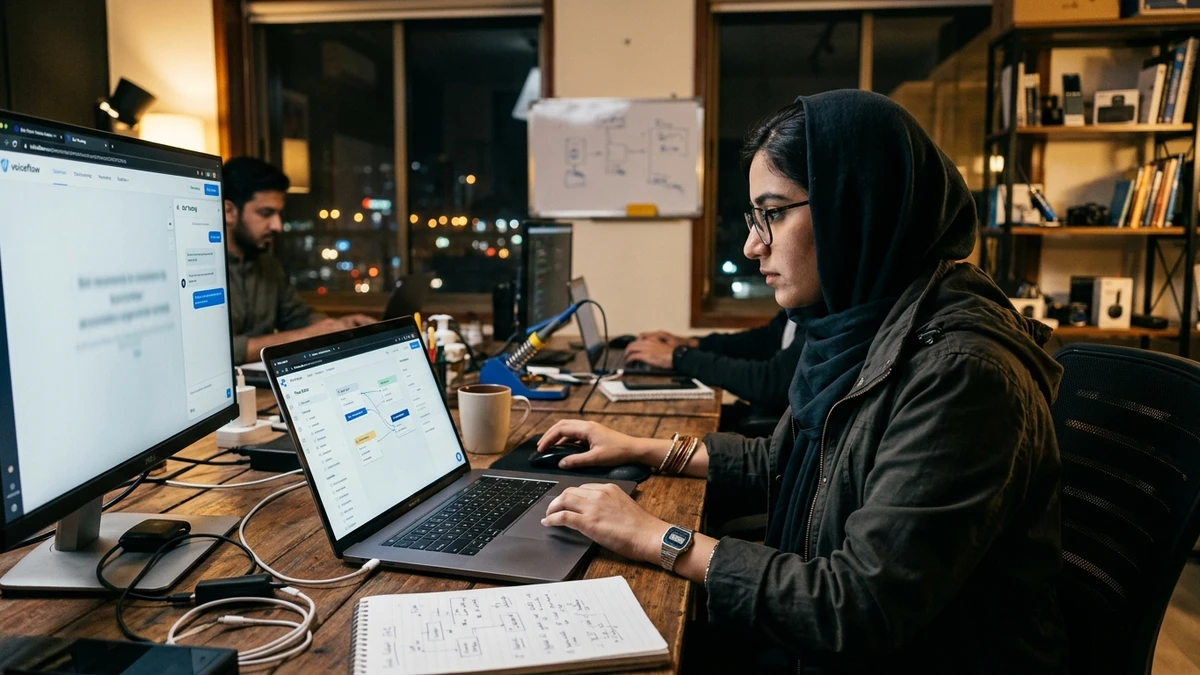
Voiceflow offers a cleaner drag-and-drop interface and is genuinely better for presenting flows to clients who want to visualize the conversation before it goes live. The UX is more polished. But at around $50 per month, it adds overhead that does not make sense until you have two or three paying clients under your belt.
ManyChat is primarily built for Facebook and Instagram automation. Its WhatsApp support exists but is limited compared to Botpress, and it is not the right tool for Pakistani SME use cases where WhatsApp is the primary channel. Do not let the familiar name mislead you.
Recommendation for Pakistani freelancers: start with Botpress. It is free, it connects directly to the Meta WhatsApp Business API, and it supports LLM integration out of the box. You can build and deliver a complete client project without spending a rupee on the tool itself.
The 7-Step Build: How to Make an AI Chatbot for WhatsApp Without Code
This is the core of the tutorial. Follow these steps in order and you will have a live, working WhatsApp chatbot by the end.
Step 1: Get a WhatsApp Business Account
Download the WhatsApp Business app and register a phone number. A Pakistani SIM works for this step. The critical rule: use a number that is not your personal WhatsApp. Once a number is registered with the WhatsApp Business API, it cannot be used as a regular personal WhatsApp account. Pick a dedicated number from the start and treat it as a business asset.
Step 2: Set Up a Meta Developer App
Go to meta. and create a developer account if you do not have one. Create a new app, select "Business" as the app type, and add the WhatsApp product to your app. The WhatsApp Business API is free up to 1,000 conversations per month, which is more than enough for a client pilot.
Pakistan-specific tip: Some Pakistani SIMs, particularly older numbers or those registered on prepaid plans with limited verification history, have been flagged during Meta's business verification process. Use a fresh SIM registered specifically for the business, ideally on a postpaid plan. This reduces the chance of a verification hold that can delay your project by days.
Do not use unofficial WhatsApp API resellers or third-party gateways. Meta's official path is free for the volumes you will be working with, and it is the only path that keeps your client's account safe long-term.
Step 3: Set Up Botpress
Go to botpress.com and sign up for the free cloud account. The cloud version is faster to set up than the self-hosted version and requires no server configuration. Create a new bot and give it a name that matches your client's business. You are now inside the visual editor where the entire build happens.
Step 4: Design Your Conversation Flow
Inside Botpress's visual editor, build the following structure:
- Welcome node: Greets the customer by name if available, introduces the business, and presents the main menu options
- Pricing intent: Answers questions about costs, packages, or service fees
- Hours intent: Tells the customer when the business is open
- Location intent: Shares the address and a Google Maps link
- Contact human intent: Transfers the conversation to a live agent via a handoff node
- Fallback node: Catches anything the bot cannot confidently answer and routes it to a human with a message like "Let me connect you with our team"
Keep the welcome message short and conversational. Pakistani customers respond better to a warm, informal tone than a corporate-sounding greeting. Think of it like the difference between a shop owner who says "Ji, kya chahiye?" versus one who reads from a script.
Step 5: Connect to an LLM
Generate an OpenAI API key at platform.openai.com. Paste the key into Botpress's AI settings under the Knowledge Base or AI Task configuration, depending on your Botpress version.
Write a system prompt that defines the business's identity and constraints. Here are three starting templates:
Real estate agency: "You are a helpful assistant for [Agency Name], a real estate agency in Lahore. Answer questions about available properties, pricing ranges, and how to schedule a site visit. If asked about something outside real estate or our listings, politely redirect to our team."
Clinic: "You are a patient assistant for [Clinic Name]. Help patients book appointments, check available time slots, and understand our services. Do not provide medical advice. Always recommend speaking with a doctor for health concerns."
Restaurant: "You are the order assistant for [Restaurant Name]. Help customers view the menu, place orders for delivery or dine-in, and check reservation availability. Be friendly and concise."
The system prompt is what prevents the bot from hallucinating or going off-topic. A well-written prompt is the difference between a bot that builds trust and one that damages the client's reputation. Treat it as seriously as you would treat the bot's core logic.
Step 6: Connect Botpress to WhatsApp
Inside Botpress, go to the Integrations section and select WhatsApp. You will be prompted to enter your Meta App credentials: the Phone Number ID, WhatsApp Business Account ID, and the Access Token from your Meta Developer App.
Paste these in, save, and send a test message from a real WhatsApp number to confirm the connection is live. If the message goes through and the bot responds, the integration is working.
If not, the most common issue is an incorrect Access Token or a phone number that has not been fully verified in Meta's dashboard. Double-check both before troubleshooting anything else.
Step 7: Test and Deploy
Before going live, run the bot through a set of edge-case scenarios:
- Typos and misspellings ("wat r ur hours", "pricng?")
- Off-topic questions ("Can you help me with my homework?")
- Escalation triggers ("I want to speak to a real person")
- Boundary testing ("What is your competitor's price?")
Once the bot handles these gracefully, switch from Meta's sandbox environment to production inside your Meta Developer App. The bot is now live on the client's WhatsApp number, and any customer who messages that number gets an instant, intelligent response.
Build a test script of 20 to 30 real customer messages before handing the bot to the client. Run every message yourself and document the responses. This becomes your QA record and gives the client confidence that the bot has been properly tested, not just switched on and left to chance.
Selling Chatbots as a Service: Pricing for Pakistani Freelancers
Local Pakistani SMEs typically pay PKR 30,000 to 150,000 for a custom WhatsApp chatbot, depending on the number of intents, LLM integration complexity, and whether the client needs custom integrations with their booking system or CRM. A basic five-intent bot with OpenAI integration sits comfortably in the PKR 50,000 to 80,000 range for most markets outside Karachi and Lahore's premium sectors.
International clients on platforms like Upwork price the same Botpress build at $500 to $5,000. The build is identical. The difference is packaging, communication, and the ability to present a professional demo in a proposal. A recorded WhatsApp conversation showing the bot in action closes more deals than any written proposal ever will.
Recurring maintenance contracts are where the income stabilizes. Monthly updates, adding new intents as the business grows, monitoring API limits, and refreshing the knowledge base can be priced at PKR 5,000 to 20,000 per month per client. Three maintenance clients at PKR 10,000 each is PKR 30,000 in predictable monthly income before you take a single new project.
The key to landing your first deal is a working demo. Build one bot for a real local business, even at a significant discount or for free, and use the WhatsApp conversation recording as your portfolio piece. One live demo beats ten proposals.
7 Industries in Pakistan That Will Pay for Your Chatbot Right Now
The demand is not theoretical. These are the industries actively losing money to slow response times right now.
Real estate agencies need lead qualification bots that ask budget, location preference, and timeline before routing to an agent. A bot that pre-qualifies 50 inquiries a day saves hours of manual screening and means agents only talk to serious buyers.
Restaurants and cafes need order-taking and reservation bots that handle peak-hour volume without adding staff. A DHA Lahore cafe getting 80 WhatsApp messages during lunch cannot afford to have a human typing replies one by one.
Clinics and healthcare have some of the highest demand in Lahore's private sector. Appointment booking bots that check availability, confirm slots, and send reminders reduce no-shows and free up reception staff for in-person patients.
E-commerce stores need order tracking bots that pull shipment status and reduce the volume of "where is my order" messages that flood support inboxes. This is a quick win with a clear, measurable ROI that clients can see immediately.
Ed-tech and coaching institutes need course inquiry bots that answer fee, schedule, and syllabus questions and capture lead contact details for follow-up. Every unanswered inquiry is a potential student who enrolled somewhere else.
Logistics companies benefit from shipment status bots that let customers self-serve tracking without calling a helpline. The bot handles routine queries; the helpline handles exceptions.
Salons and gyms need booking bots that handle appointment scheduling, service menus, and cancellations. Small businesses with no dedicated tech team get a full front-desk experience at a fraction of the staffing cost.
Common Mistakes That Kill Chatbot Deals
The most expensive mistake is building a bot with no fallback. If a customer asks something the bot cannot answer and the bot either goes silent or returns a generic error, the client loses that customer and the blame lands on you. Every bot needs a graceful escalation path to a human, without exception.
The second mistake is writing a system prompt that is too broad. Telling the LLM to "be helpful" without constraining it to the business's specific knowledge leads to hallucinations. The bot starts inventing prices, making up policies, and confidently answering questions it has no business answering. A tight system prompt is not optional; it is the core of a reliable build.
Skipping edge-case testing is another deal-killer. Clients test their own bots aggressively after handover. If they find a breaking case you missed, it damages trust immediately and makes the maintenance conversation much harder.
Finally, do not position the bot as a staff replacement. Frame it as a tool that handles routine queries so the team can focus on high-value conversations. That framing gets sign-off faster, sets realistic expectations, and makes the client feel like they are upgrading their team rather than cutting it.
Always include a "last updated" timestamp in your bot's knowledge base and set a monthly reminder to refresh it. Stale information, like an old price list or a changed business address, is the fastest way to lose a maintenance contract you worked hard to land.
Beyond Basics: Voice Agents with Vapi
Once you have delivered two or three WhatsApp chatbots, the natural next step is voice agents. Vapi is a platform that lets you build AI-powered phone agents that handle inbound and outbound calls.
For Pakistani businesses that still rely heavily on phone calls, particularly clinics, real estate agencies, and logistics companies, a voice agent that books appointments or qualifies leads over a phone call is a premium service that commands premium pricing.
The skill set transfers directly. The conversation design principles, system prompt writing, and LLM integration knowledge you build on WhatsApp chatbots all apply to Vapi voice agents. The main difference is that voice requires tighter response latency management and more careful escalation design, since a confused caller hangs up faster than a confused WhatsApp user.
For freelancers who want to go further into automation, connecting your Botpress chatbot to n8n workflows through /ai-automation opens up integrations with CRMs, Google Sheets, and booking systems, turning the bot from a conversation tool into a full business automation layer. The foundation for all of it starts with mastering the WhatsApp chatbot build first.
How to Skip the 3-Month Learning Curve
Learning Botpress, Meta's WhatsApp Business API, OpenAI integration, and conversation design through trial and error takes time. Most freelancers spend the first few months building bots that break in demos, losing deals to technical issues they did not anticipate, and underpricing their work because they did not understand the full scope. That is the slow path.
The faster path is structured, project-based training where you build real bots under guidance, get feedback on your conversation flows before they reach a client, and learn the pricing and sales side alongside the technical build.
Skill Mentor's AI Chatbot Training covers the full stack: WhatsApp Business API setup, Botpress flow design, LLM integration, voice agents with Vapi, and how to package and sell the service to local and international clients.
The training is 100% practical, built around real projects, with 1-on-1 career mentorship so you are not debugging alone at midnight before a client demo. If you want to see how the curriculum maps to the build you just read through, explore the AI Chatbot course here.
Skip the 3-month learning curve. Master WhatsApp chatbots, voice agents, and LLM integration in 8 weeks. /ai-chatbot
Frequently Asked Questions
Does a Pakistani SIM work for the WhatsApp Business API?
Yes, Pakistani SIMs work for registering a WhatsApp Business number. The important step is using a dedicated non-personal number rather than your existing personal WhatsApp. Some Pakistani SIMs, particularly older prepaid numbers, have been flagged during Meta's business verification process, so a fresh SIM registered specifically for the business reduces that risk significantly.
Is Botpress really free to use for client projects?
Botpress's cloud plan is free with generous conversation limits suitable for small to medium deployments. You only move into paid territory if you scale to high conversation volumes or need enterprise-level features. For a freelancer building and delivering client bots, the free plan covers everything needed to run a professional service.
Do I need to know how to code to build a WhatsApp chatbot with Botpress?
No. The entire build described in this tutorial uses Botpress's visual flow editor. The most technical step is generating an OpenAI API key at platform.openai.com, which takes about two minutes. Everything else is drag-and-drop flow design and filling in configuration fields.
What happens when the chatbot gives a wrong answer to a customer?
This is why the system prompt and fallback node are critical. A well-written system prompt constrains the LLM to the business's known information, reducing the chance of invented answers.
" Hallucination and context loss are among the most common chatbot failure points, and both are preventable with proper configuration from the start.
How do I find my first chatbot client in Pakistan?
Start with a business you already have a relationship with: a local restaurant, clinic, real estate office, or retail store. Build a working demo tailored to their specific use case and show them the WhatsApp conversation live.
A working demo closes faster than any written proposal because the client can see exactly what their customers will experience. Offer the first project at a reduced rate in exchange for a testimonial and permission to use the conversation recording as a portfolio piece.
Recommended For You
Ready to Master These Skills?
AI Automation Training Program
Build intelligent workflows with N8N, Make.com & Zapier. Connect apps, eliminate repetitive tasks, and deploy self-running AI agents.
AI Chatbot Training Program
Create intelligent chatbots without coding. Integrate LLMs, design conversation flows, and launch 24/7 customer service agents.