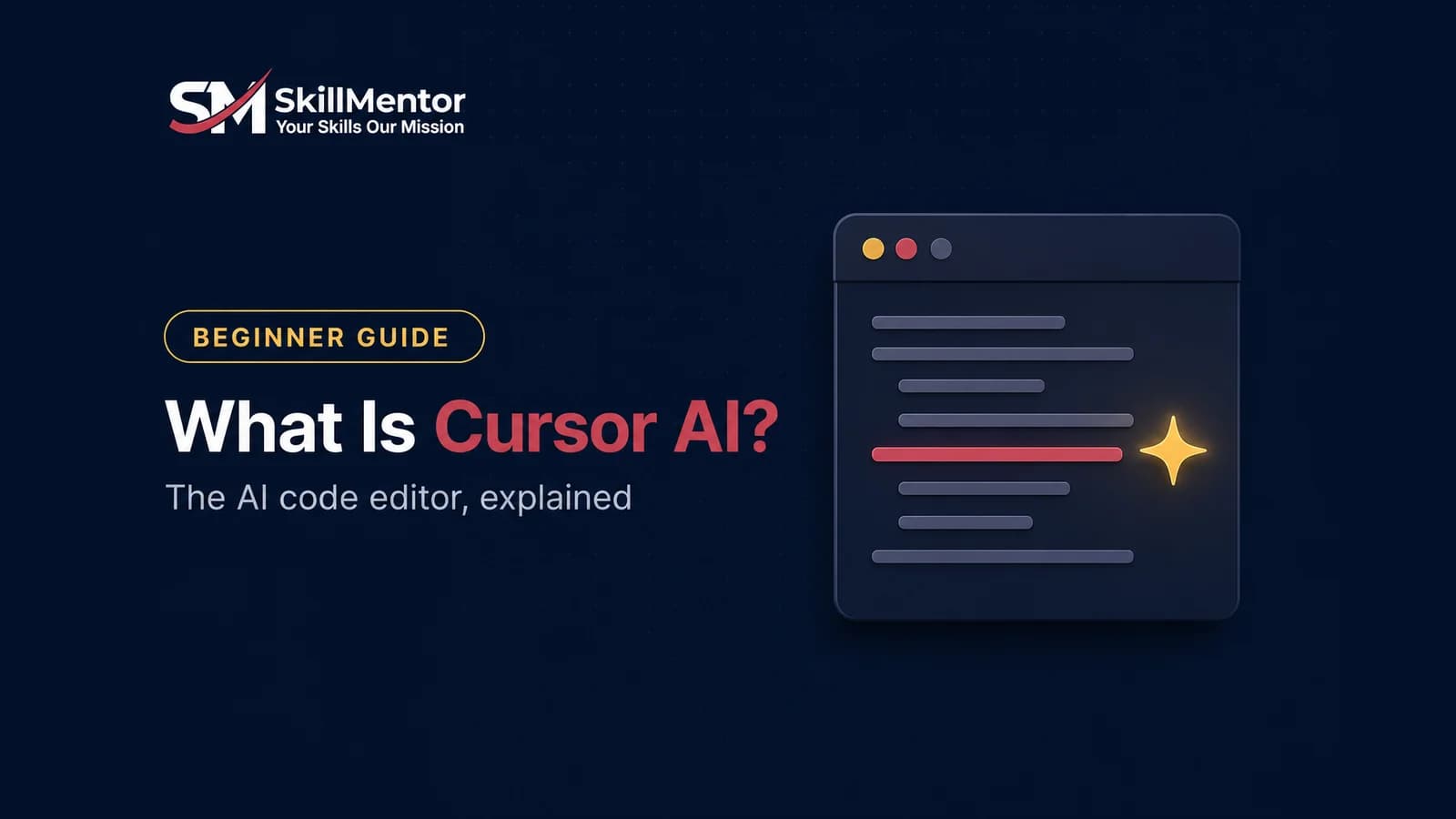
Cursor is a code editor with AI built into it. You open your project, describe what you want in plain language, and Cursor’s AI writes or changes the code for you – across several files if needed – while you review each change. It is made by a company called Anysphere, and it is one of the most widely used tools for vibe coding.
This guide explains what Cursor does, whether it is free, how it differs from ChatGPT and other AI coding tools, and how to start using it from Pakistan.
What Cursor actually does
A normal code editor is like a blank notebook – it helps you type, but you do all the thinking. Cursor adds an assistant that has read your whole project. In practice that means three things:
- Autocomplete that predicts your next edit. As you type, Cursor suggests the next lines – often the exact change you were about to make – and you accept with one key.
- An agent you can give tasks to. You write “add a login page with email and password” and the agent plans the work, edits the files, runs commands, and shows you what it changed. Cursor describes its agents as able to build, test and demo features from start to finish.
- Answers about your own code. You can ask “where do we calculate the delivery fee?” and it finds and explains the right file, instead of giving a generic answer.
If you have used VS Code, Cursor will feel familiar straight away. It is built on the same foundation, so the layout, shortcuts and extensions work the way you expect.
Which AI does Cursor use?
Cursor is not tied to one AI company. It lets you choose between leading models from Anthropic, OpenAI, Google and xAI, as well as Cursor’s own model, Composer. This matters because models keep leapfrogging each other – when a better one appears, you switch inside Cursor instead of changing tools.
Is Cursor free?
There is a free plan, and it is enough to learn on. At the time of writing (September 2026):
- Hobby – free. No credit card required, with limited agent requests.
- Individual – $20 a month. Extended agent limits and access to the frontier models.
- Teams – $40 per user a month. Adds shared billing, admin controls and team features.
Prices and limits change often, so check Cursor’s pricing page before paying. For Pakistan specifically: the paid plans are billed in dollars, so you need a card that works for international online payments. Start on the free plan and upgrade only when you keep hitting its limits on real work.
Cursor vs ChatGPT for coding
You can ask ChatGPT to write code, but it cannot see your project. You copy code out, paste it in, and paste errors back – and it often breaks something else, because it never saw the other files. Cursor works inside the project. It reads the files, makes the change in the right place, and can run the app to check. For anything bigger than a single small script, that difference is large.
Cursor vs other AI coding tools
- Claude Code is an AI coding agent that runs in your terminal and project folder. It is very strong at large, multi-step tasks. Many developers use it together with an editor like Cursor.
- Google Antigravity is Google’s AI coding environment and is free to start, which makes it a popular first tool in Pakistan.
- Lovable and Replit run in the browser and are the quickest way to a first working app, but give you less control as the project grows.
There is no single winner. Beginners often start in the browser, then move to Cursor when they want to build something a client will pay for.
What you can build with Cursor
- Business websites and landing pages
- Web apps with logins and a database – booking systems, dashboards, order trackers
- Internal tools for a company’s staff
- Mobile apps
- Fixes and new features for existing projects, which is a large share of freelance work
The honest limits
- It makes confident mistakes. The agent will sometimes say a feature works when it does not. You must test everything yourself.
- Security is still your job. AI tools can leave passwords in the code or forget to protect private data. Review anything that touches customer information or payments.
- You need the basics. If you do not understand what a database, an API or an error message is, you will get stuck the first time the AI cannot fix its own problem. Cursor makes a capable person much faster; it does not replace understanding.
- Heavy use costs money. The free plan has limits, and serious daily work realistically needs a paid plan.
How to start with Cursor this week
- Download Cursor from cursor.com and sign up for the free Hobby plan.
- Open an empty folder and ask the agent for something small and real – a price calculator, or a one-page site for a business you know.
- Read every change before you accept it. Ask “explain what this file does” whenever you do not understand something. This is how you actually learn.
- Test it like a customer, and describe each problem back to the agent.
- Put it online and send the link to one real person.
Frequently Asked Questions
What is Cursor AI in simple words?
Cursor is a code editor with an AI assistant built in. You describe what you want in plain language and the AI writes or edits the code inside your project, while you review and test the result.
Is Cursor AI free to use?
Yes, there is a free Hobby plan with limited agent requests and no credit card required. The paid Individual plan is $20 a month at the time of writing and gives higher limits and access to the most advanced models.
Is Cursor better than ChatGPT for coding?
For real projects, yes. ChatGPT cannot see your files, so you copy and paste code back and forth. Cursor works inside your project, edits the correct files and can run the app to check its work.
Do I need to know programming to use Cursor?
You can build simple things without writing code yourself, but you need to understand the basics – databases, APIs, reading errors – to build anything reliable. Cursor makes a learner faster; it does not remove the need to learn.
Who makes Cursor?
Cursor is made by Anysphere. It is built on the same foundation as VS Code, which is why it feels familiar to anyone who has used that editor.
Can I use Cursor in Pakistan?
Yes. The free plan works without a card. Paid plans are billed in US dollars, so you need a card that supports international online payments.
The bottom line
Cursor is a code editor where an AI does much of the typing and you do the directing, reviewing and testing. It is one of the most useful tools for building real software quickly – provided you learn enough of the fundamentals to stay in control of it.
Cursor is one of the main tools in our eight-week Vibe Coding course, alongside Claude Code, Antigravity, Supabase, Vercel and DigitalOcean – you go from your first live landing page to databases, a mobile app and client-ready business sites. PKR 20,000 online, PKR 40,000 on campus in Lahore. If you are more interested in automating business work than building apps, look at what n8n is and our AI Automation course.
Recommended For You
Ready to Master These Skills?
Vibe Coding
Build full-stack apps with AI tools like Cursor and Replit. Write software using natural language and deploy real applications.
AI Automation Training Program
Build intelligent workflows with N8N, Make.com & Zapier. Connect apps, eliminate repetitive tasks, and deploy self-running AI agents.