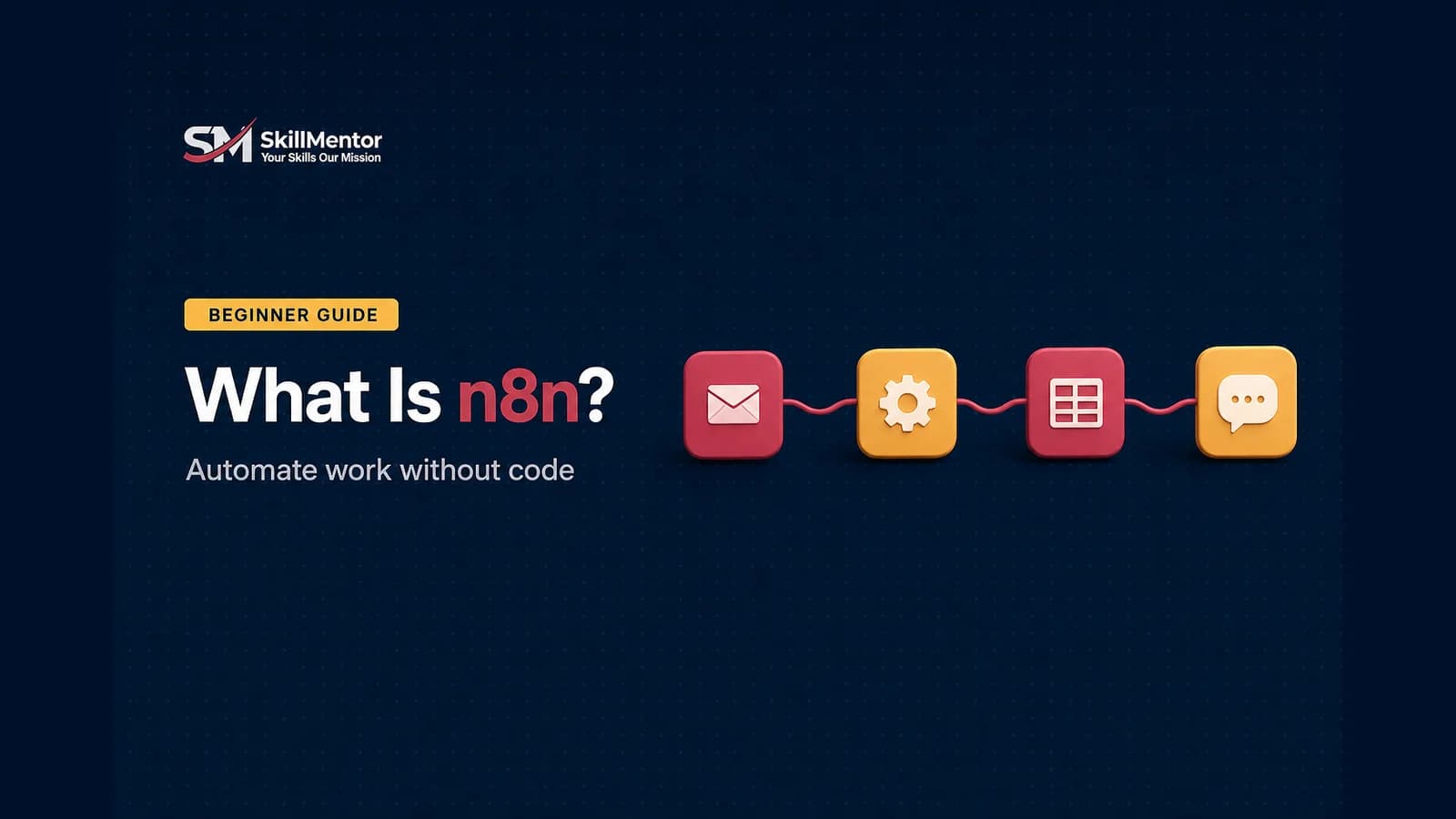
n8n is a workflow automation tool. It connects the apps a business already uses – email, WhatsApp, Google Sheets, a CRM, an online store – and makes them do work automatically, without someone copying information from one place to another. You build each automation visually, by connecting boxes on a canvas, and you only write code if you want to.
The name is short for “nodemation” and is pronounced “n-eight-n.” This guide explains what n8n does, how it works, what it costs, how it compares with Zapier and Make, and why so many Pakistani freelancers are learning it in 2026.
What n8n actually does
Think about a small online store in Lahore. Every time an order comes in, someone has to message the customer on WhatsApp, add the order to a Google Sheet, tell the rider, and send an invoice. That is four manual jobs, repeated fifty times a day.
With n8n you build that once as a workflow: new order arrives → send WhatsApp confirmation → add a row to the sheet → notify the rider → email the invoice. After that it runs by itself, day and night. That is all “automation” means – handing repeated work to software.
How n8n works
- Trigger – the event that starts the workflow. A new order, a form submission, an incoming email, or simply “every morning at 9.”
- Nodes – the boxes on the canvas. Each node does one job: read a sheet, send a message, call an AI model, filter data.
- Workflow – the nodes connected in order, so the output of one becomes the input of the next.
- Execution – one complete run of a workflow. This matters because n8n’s paid plans are priced by executions.
You can see the data at every step, which makes it much easier to find out why something is not working. When the ready-made nodes are not enough, you can add a small piece of JavaScript or call any service that has an API.
Is n8n free?
There are two ways to use it:
- Self-hosted Community edition – free. n8n publishes a standard version on GitHub that you can run on your own server. You pay nothing to n8n; you only pay for the server you run it on.
- n8n Cloud – paid, with a free trial. n8n hosts it for you. At the time of writing (September 2026), the Starter plan is €20 a month for 2,500 workflow executions and the Pro plan is €50 a month for 10,000, both billed annually. The trial does not need a credit card.
Every plan includes unlimited users, unlimited workflows and every integration. Prices change, so check n8n’s own pricing page before you commit.
One detail worth knowing: n8n is “fair-code,” not classic open source. The code is public and free to use for your own business and for building automations for clients, but the licence restricts offering n8n itself as a competing hosted product. For a freelancer this almost never matters, but read the licence if you plan to build a product on top of it.
n8n vs Zapier vs Make
- Zapier is the easiest to start with and has the most ready-made app connections, but it becomes expensive as your automations grow.
- Make is visual and powerful, and sits in the middle on price and difficulty.
- n8n has the steepest learning curve of the three, but it can be self-hosted for free, it charges per workflow run rather than per step, and it gives you the most control when a job gets complicated.
None of them is “the best.” Clients use all three, which is why a serious automation freelancer learns more than one. n8n is usually the one that keeps costs low on large or complex projects.
n8n and AI agents
n8n describes itself as a tool that combines AI with business process automation, and this is the part growing fastest. You can put an AI model inside a workflow so it can read an incoming message, decide what it is about, look something up, and reply – then hand over to a human when it is not sure. Typical examples are an AI assistant that answers customer questions from a company’s own documents, or a workflow that reads web pages and summarises them.
The AI is only one node in the chain. The value is in connecting it to real business systems, and that is exactly what n8n is built for.
What Pakistani freelancers build with n8n
- Lead capture: a form or ad lead goes straight into a CRM, and the sales team gets a WhatsApp alert.
- Order and invoice flows for online stores.
- Daily or weekly reports that build and send themselves.
- AI-powered customer support for WhatsApp and websites.
- Content and social media pipelines for agencies.
These are sold as one-time setup projects and then as monthly maintenance, which is where the steady income comes from. We have collected starting points in 25 n8n templates you can use and sell as freelance services.
The honest limits
- It takes time to learn. n8n is more technical than Zapier. Expect a few weeks before you are comfortable, not a weekend.
- Self-hosting is free, but it is your responsibility. You have to set up the server, keep it updated, and back it up. If it goes down at 2 a.m., the client calls you.
- You still need to understand the business. The tool is the easy part. Knowing which process is worth automating, and handling the cases where it fails, is what clients actually pay for.
How to start this week
- Start the free n8n Cloud trial – no credit card needed – so you can learn without touching a server.
- Build one tiny workflow: when a Google Form is submitted, add the answer to a Google Sheet and email yourself.
- Break it on purpose. Submit empty answers and wrong data, and learn how to read the error.
- Add one AI step – for example, have the AI summarise each form response.
- Rebuild it for a real business you know, and show them. That is your first portfolio piece.
Frequently Asked Questions
What is n8n in simple words?
n8n is a tool that connects different apps and makes them work together automatically. You build workflows visually by linking boxes called nodes, so repeated tasks like sending messages, updating sheets and creating invoices happen without manual work.
How do you pronounce n8n and what does it mean?
It is pronounced “n-eight-n.” The name is short for “nodemation” – the 8 stands for the eight letters between the first and last n.
Is n8n completely free?
The self-hosted Community edition is free to use; you only pay for your own server. n8n Cloud, where n8n does the hosting, is paid – at the time of writing it starts at €20 a month billed annually, with a free trial that needs no credit card.
Do I need coding to use n8n?
No. Most workflows are built by connecting ready-made nodes. Basic JavaScript and an understanding of APIs help a lot once projects get more advanced, but you can learn those along the way.
Is n8n better than Zapier?
It depends on the job. Zapier is easier for beginners and has more ready-made connections. n8n is cheaper at scale, can be self-hosted, and handles complex logic better. Many freelancers use both.
Can I earn money with n8n in Pakistan?
Yes. Businesses pay for automations that save staff time or capture more leads, and n8n is one of the main tools used to build them. Income comes from setup projects plus monthly maintenance, for both local and international clients.
The bottom line
n8n is a visual tool for connecting apps and automating repeated work, with a free self-hosted version and strong AI features. It is harder to learn than Zapier, but that is also why people who know it well are in demand.
If you want to learn it properly, n8n is a core part of our eight-week AI Automation course – from n8n foundations and your first automation, through AI agents, chatbots and APIs on n8n, to Zapier, Make.com and finding clients. It is taught live online for PKR 15,000, or on campus in Lahore. Not sure where to begin? Read what vibe coding is, or take the free course quiz.
Recommended For You
Ready to Master These Skills?
AI Automation Training Program
Build intelligent workflows with N8N, Make.com & Zapier. Connect apps, eliminate repetitive tasks, and deploy self-running AI agents.
Vibe Coding
Build full-stack apps with AI tools like Cursor and Replit. Write software using natural language and deploy real applications.